Before the challenge
Inspect your EA backtest
Review historical drawdown, loss clusters and rule exposure before paying challenge fees.
Get availability updatesFree tool · No signup required · Sample report available
Connection & workflow
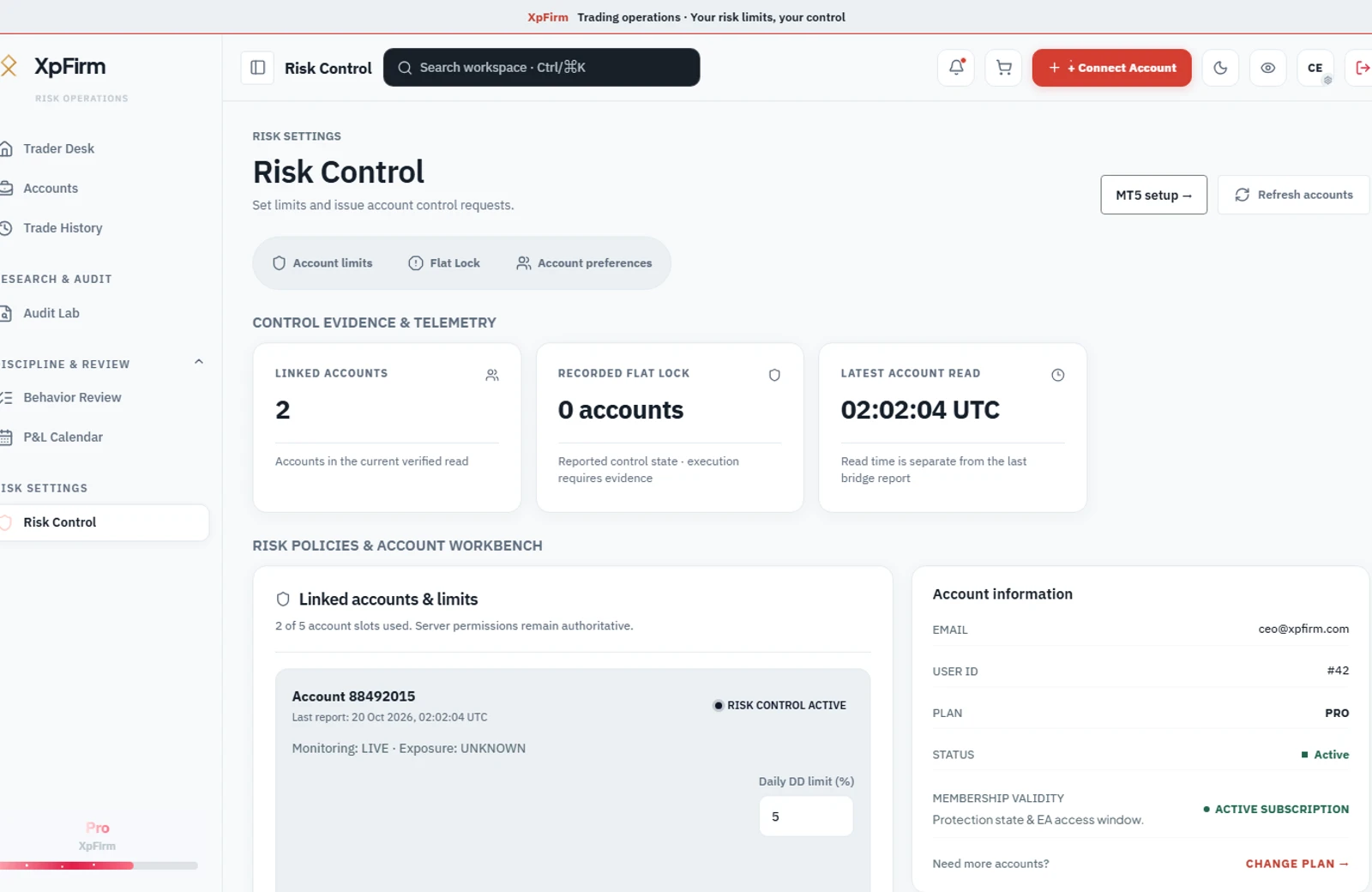
Connect your own MT5 terminal, configure your limits and review current account evidence. Know what the bridge reports—and what still needs confirmation.
MT5 runs on your PC or VPS. Monitoring begins after a valid bridge report.
Getting started
See pricing for Free Core and Expert Core (pay-as-you-go credits). Verify your email, then use the dashboard to link an account within your plan entitlement.
Register and add your account. Check the plan entitlements and connection state in the dashboard.
Install the bridge on MT5 running on your PC or VPS. Verify the latest telemetry timestamp before relying on it.
Set daily and overall limits. Review protection status and notification setup before your session.
Keep your terminal and bridge running. Check the latest report time before relying on account monitoring.
How the control state travels
Reporting, evaluation and terminal execution are separate steps. The account view helps you inspect the evidence for each.
The bridge reports balance, equity and drawdown and checks the halt state on its configured polling interval.
XpFirm compares reported values with configured rules and persists the account halt state when a limit triggers.
On the next poll, the bridge reads the halt state and attempts to close exposure through your broker.
No instruction is pushed to MT5. Response depends on polling, bridge operation, connectivity, the terminal and broker execution. Stale or missing telemetry is not a safe state; protection does not guarantee against losses or rule breaches.
Read measurement methodology and limitations →A receiving stream is not proof that your MT5 terminal has acted. Use the last bridge report and independently confirmed exposure when reviewing protection.
ONE RISK WORKFLOW
Start with the question you need to answer today.
Before the challenge
Review historical drawdown, loss clusters and rule exposure before paying challenge fees.
Get availability updatesFree tool · No signup required · Sample report available
While you trade
Connect your own terminal to see equity, remaining loss buffers and the risk rules you set.
See pricingSee pricing for Free Core and Expert Core (pay-as-you-go credits)
For live monitoring: create and verify your account, connect MT5, then receive a valid bridge report.