Free Core · Expert Core (pay-as-you-go credits). No numeric price is published here.
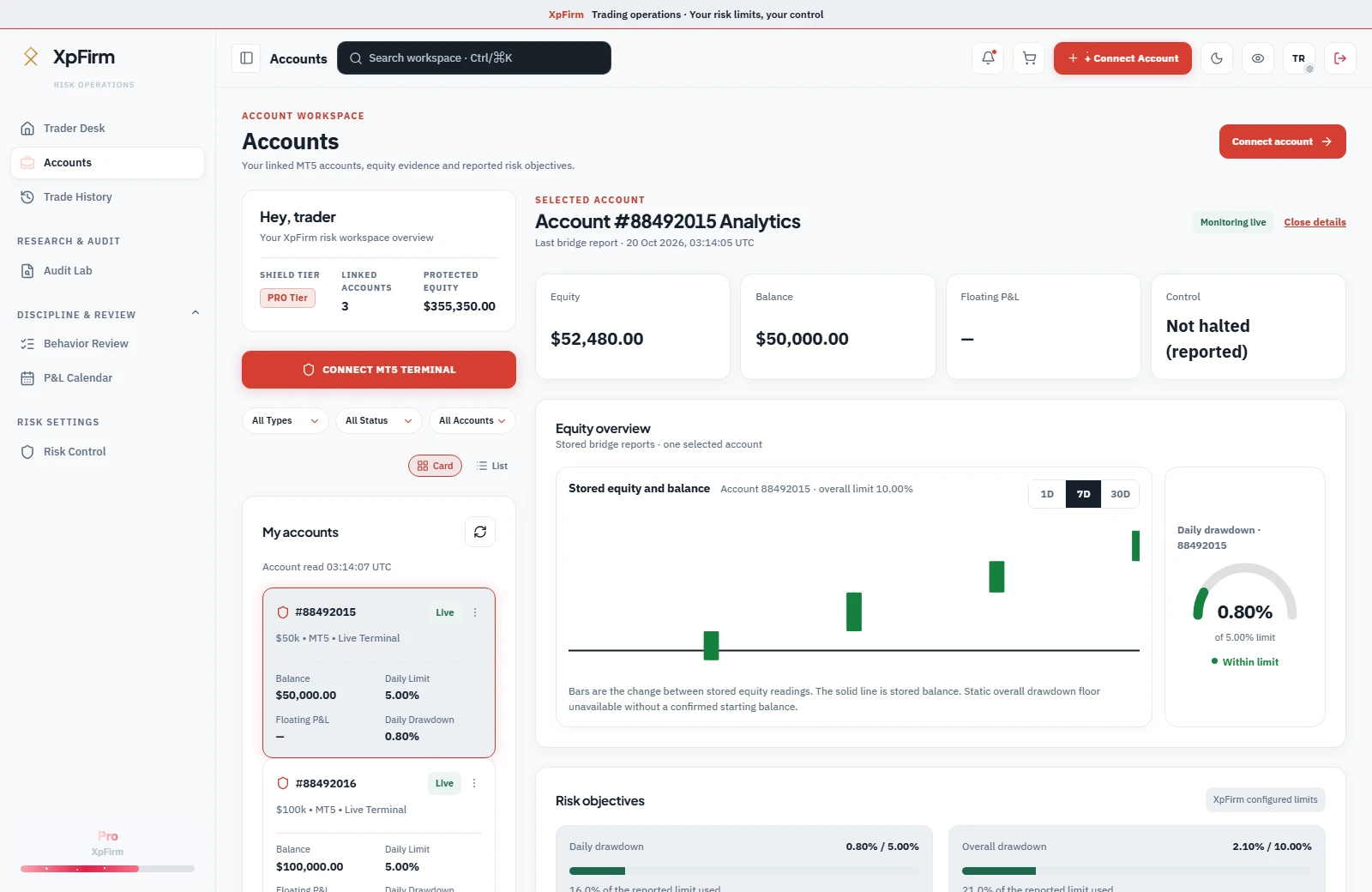
Account overview · Current interface · Sample data · Not live telemetry.View full size
Capabilities
Know what each tool does.
Configured controls
Define your loss limits.
Set daily and overall account limits. When a configured limit is reached, XpFirm records a halt; your bridge reads it on its next check-in. Terminal connectivity and broker execution still matter.
Account-specific daily and overall limits
Visible halt and re-arm state
Execution through your connected bridge
Recorded activity
Inspect the trades behind the account.
Filter recorded deals by account and symbol, open the trade details and inspect reported timestamps and values. The record depends on the history supplied by your terminal.
Account and symbol filters
Trade-level details
Export the filtered record
Session review
Review your criteria against history.
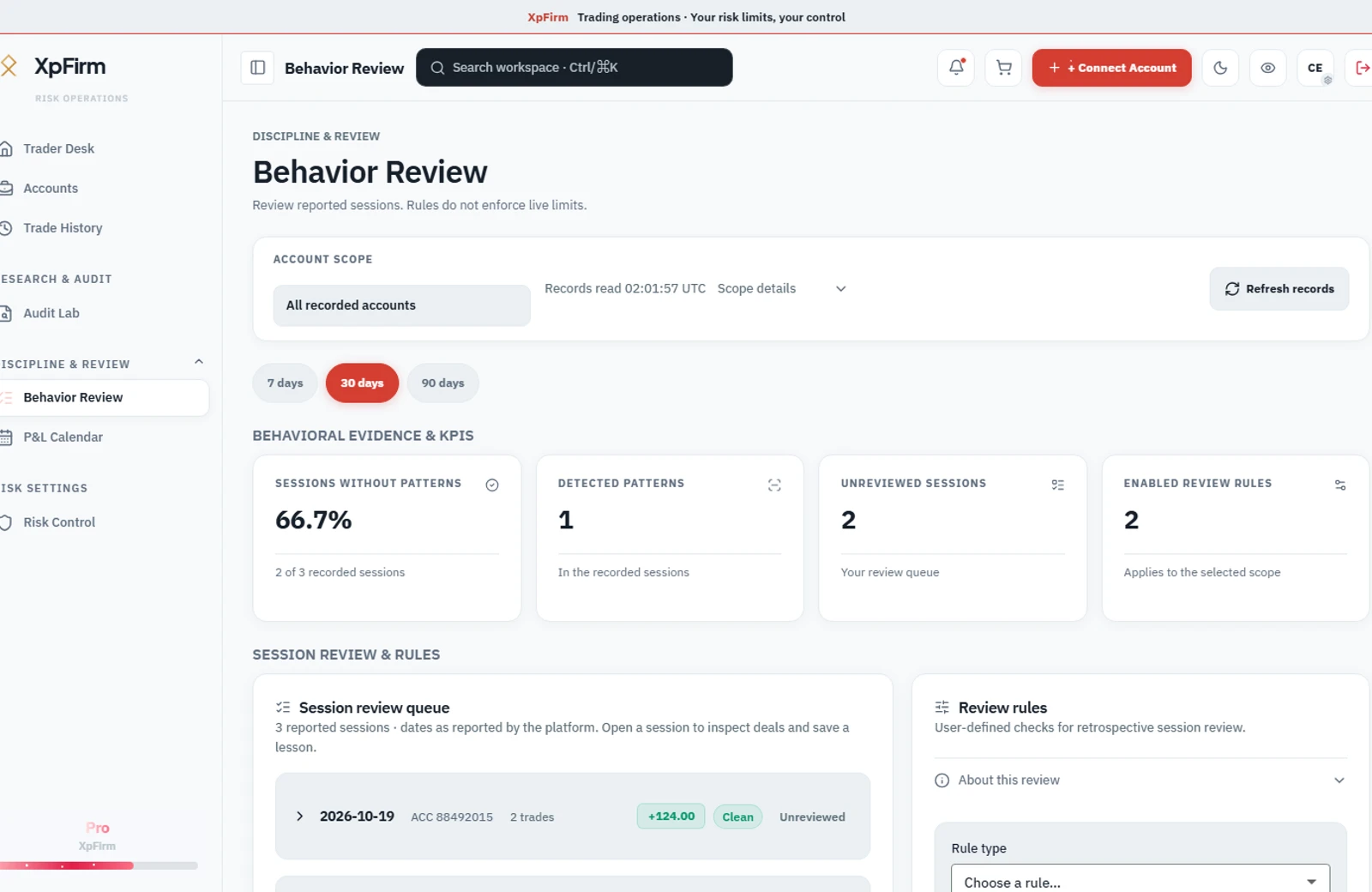
Choose behavior criteria, inspect flagged sessions and add your own review notes. These criteria evaluate historical activity; they do not block live orders.
Your own review criteria
Session and trade evidence
Saved review notes
Notifications
Keep risk changes in view.
Connect Telegram for drawdown and risk-state notifications. Check the account view for the current reported status; delivery depends on connectivity and notification setup.
Telegram connection settings
Drawdown and state notifications
Connection status in the workspace
Feature access follows your plan and connection setup. Review the current entitlements before subscribing.
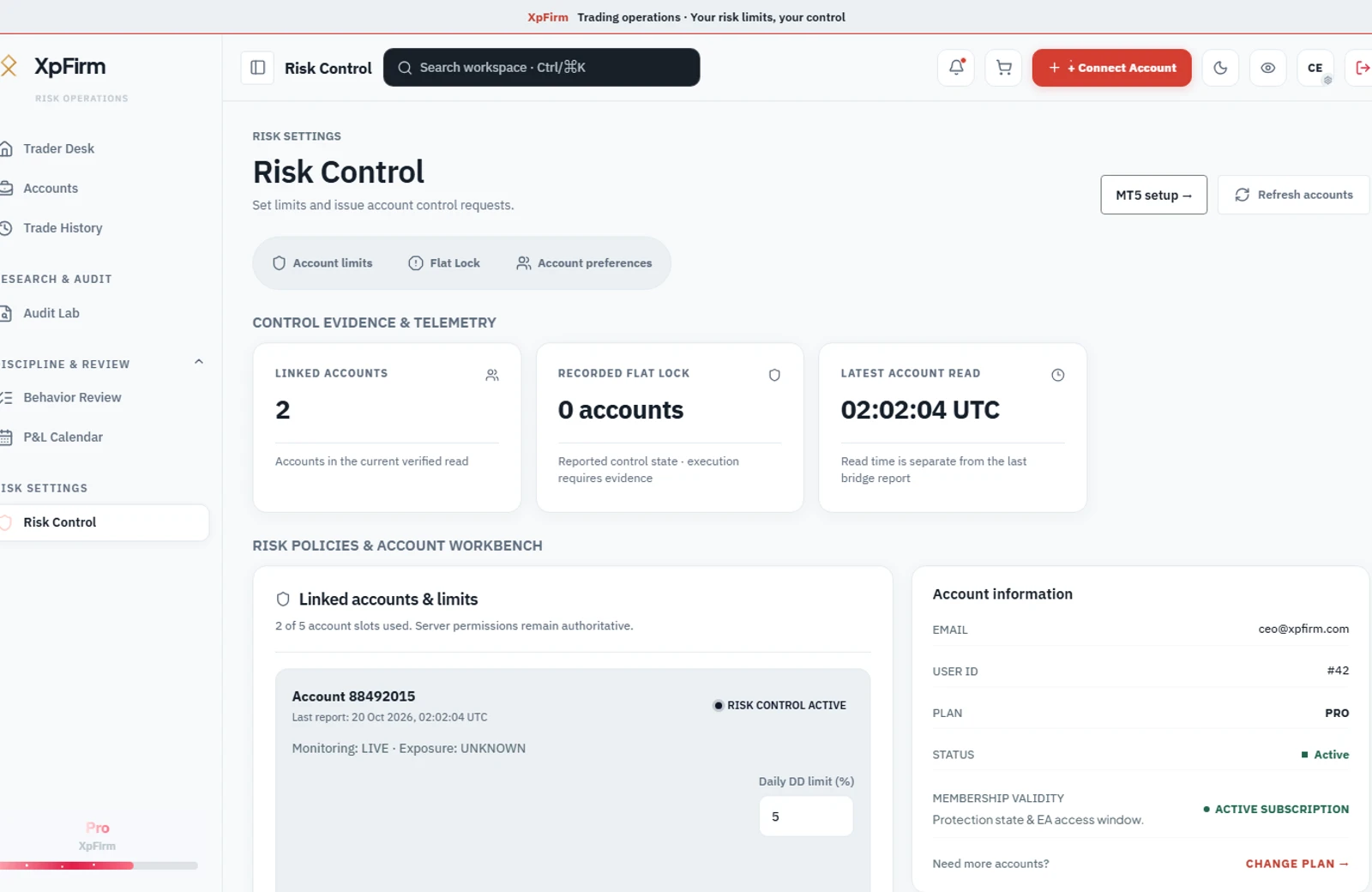
Keep daily and overall loss limits alongside the account evidence. Review Flat Lock, monitoring freshness and the latest reported state before deciding what to do.
A recorded halt is a control state. It does not independently confirm that positions were closed.
Risk settings · Current interface · Sample data · Not live telemetry.View full size
Evidence for your next review
Move from a flagged session to its trading record.
Inspect recorded trades and compare sessions against your own behavior criteria. Keep the review grounded in the history your terminal supplied.
Behavior Review evaluates historical activity. It does not block live orders or provide trading recommendations.
Session review · Current interface · Sample data · Not live telemetry.View full size
Historical report analysis
Start with the trading history.
Upload a supported MT5 backtest report to inspect drawdown and historical risk. The analysis describes the supplied record and assumptions; it cannot predict future trading outcomes.