Risk operations for prop-firm traders
Know your drawdown.Stay ahead of your limits.
Track daily and overall drawdown, check monitoring freshness and set your own loss limits. Review recorded trades in the same MT5 workspace.
Free Core · Expert Core (pay-as-you-go credits). · Web app currently offline
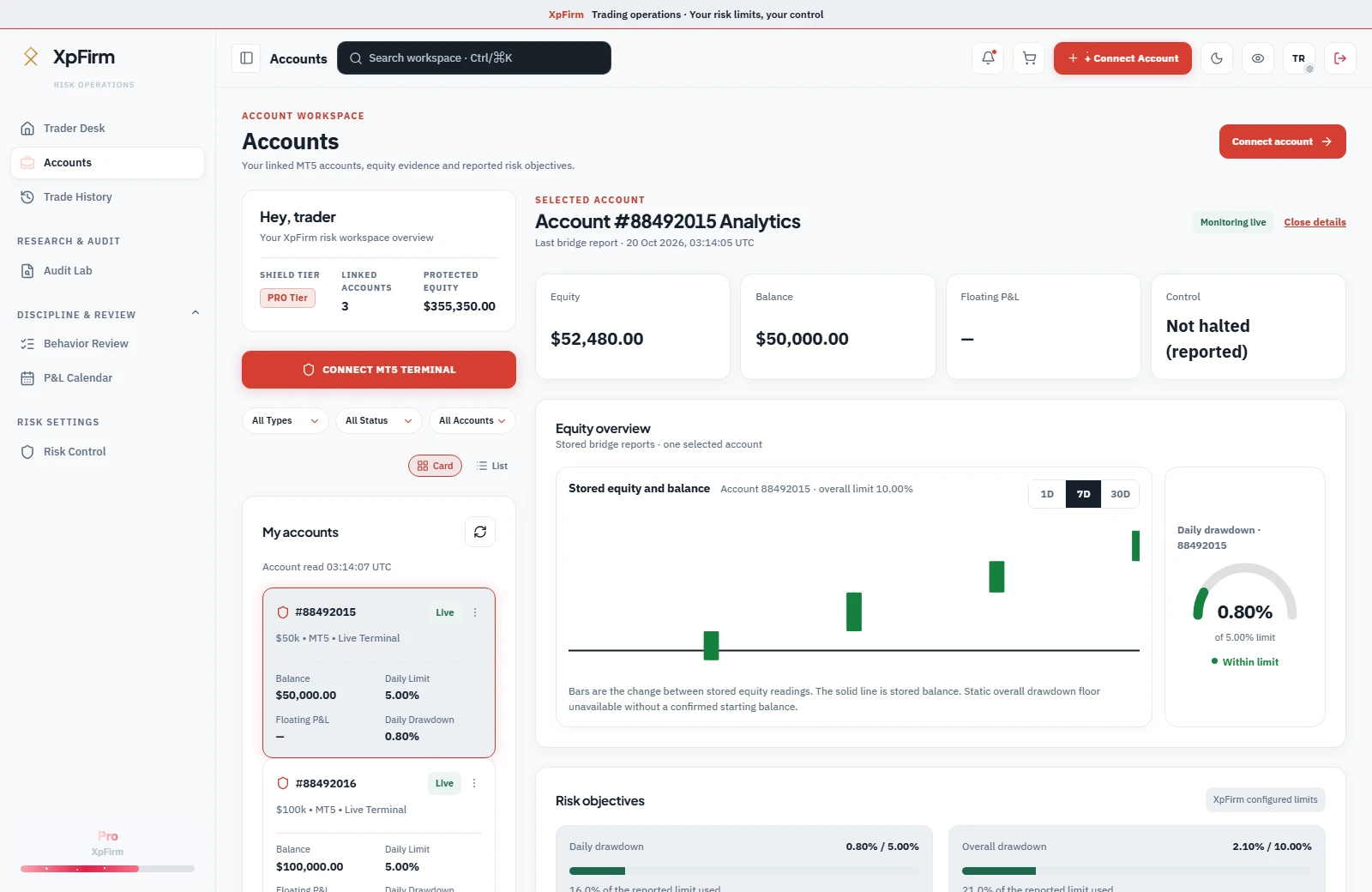
MT5 monitoring
Track reported equity, drawdown and monitoring freshness.
Limits you configure
Set daily and overall limits for your own account.
Evidence-backed review
Inspect recorded deals and the trades behind your sessions.
Built for prop traders
Self-directed software. Your terminal and account stay yours.
A complete risk-operations workspace.
Everything you need to monitor, configure and review your account risk.
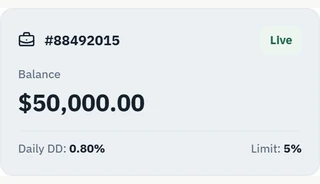
Account visibility
Each linked account with its drawdown, monitoring state and last update.
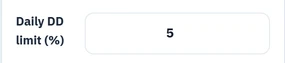
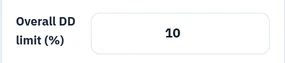
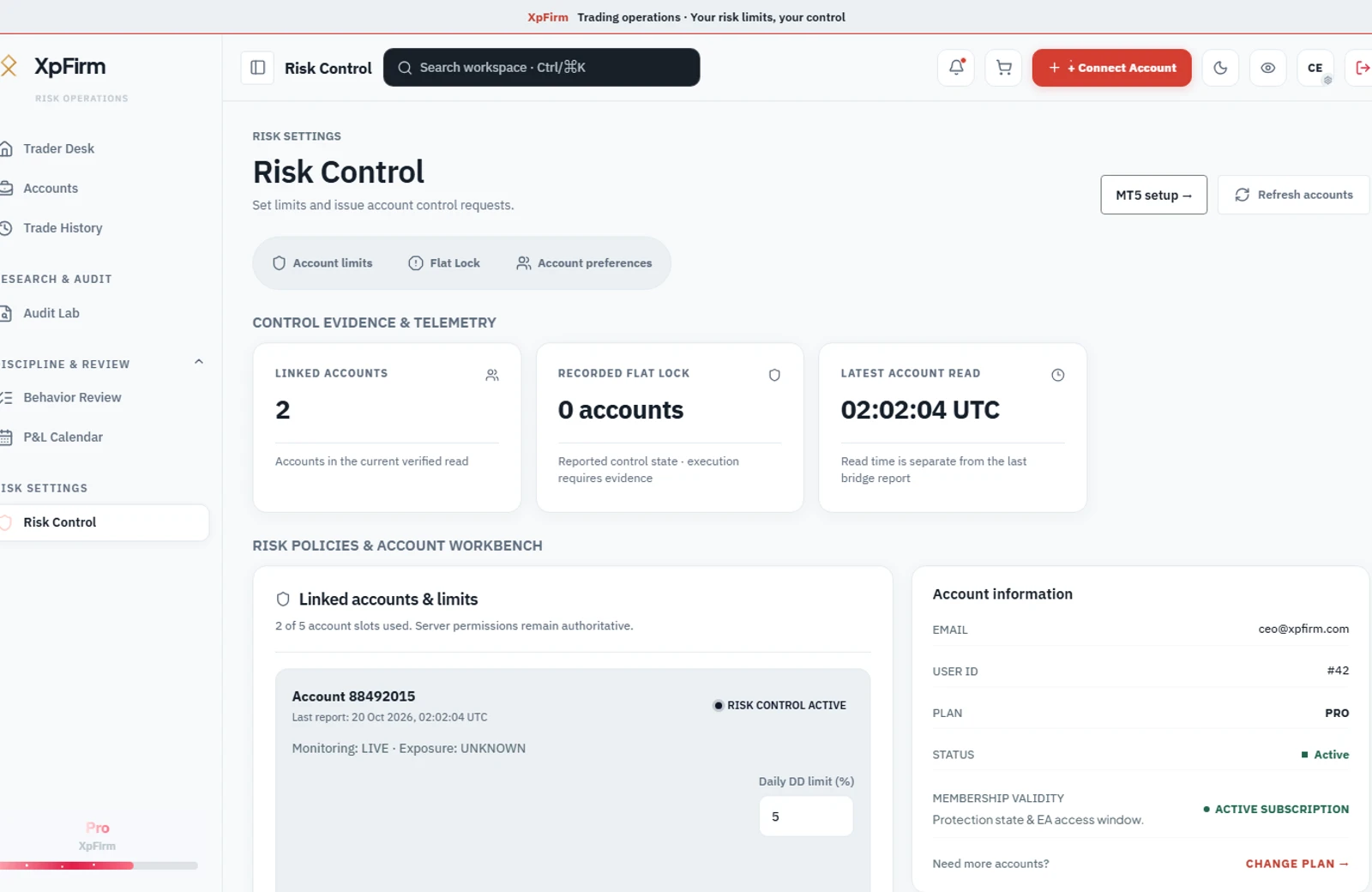
Risk control
Daily and overall limits, entered and edited by you.
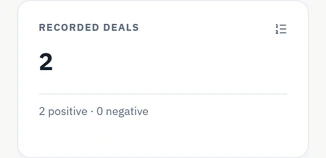
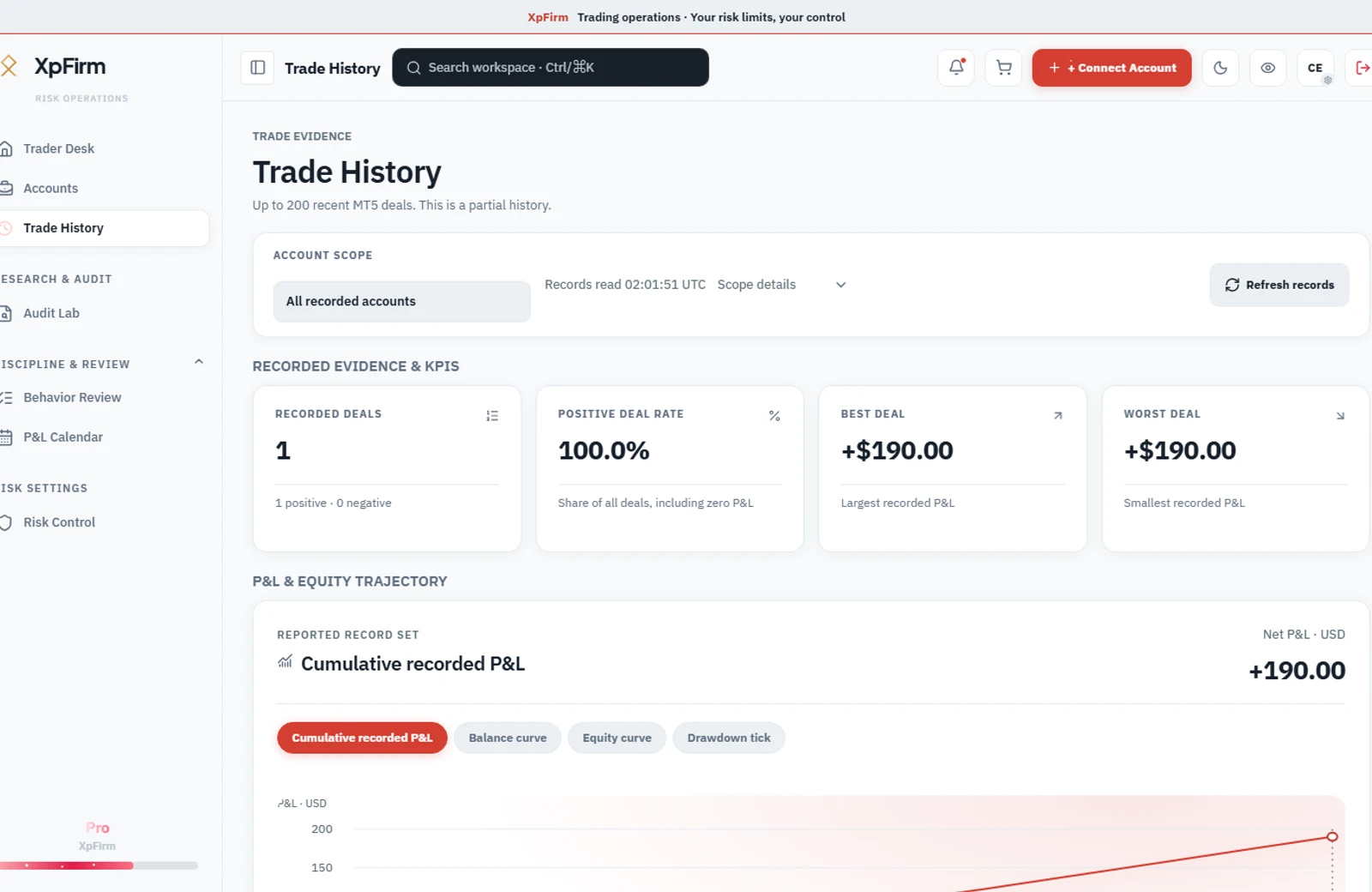
Trade review
Recorded trades and flagged events in time order. Orders are still placed in MT5.
MT5 connection
When the connector last reported, and where updates went missing.
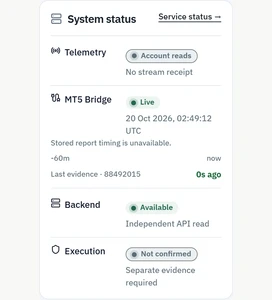
Connectivity and reported control states do not independently confirm execution. Check MT5 when acting.
How it works
From your own MT5 terminal to evidence you can review.
Connect your MT5
Create and verify your account, then connect the bridge to your own terminal.
Set your limits
Configure daily and overall drawdown thresholds for your linked account.
Monitor received evidence
Check reported equity, drawdown and the last bridge report before acting.
Review and act
Inspect alerts and recorded trades. Verify exposure and execution in MT5.
Simple, transparent pricing
Free Core and Expert Core (pay-as-you-go credits). No numeric price is published here.
Prices are not published. Free Core and Expert Core (pay-as-you-go credits) are described without a numeric price.
Free Core
Free Core
- Public EA Survival Check without signup
- MT5 account connections within your plan entitlement
Expert Core
Expert Core (pay-as-you-go credits)
- Prepaid usage credits with a monthly cap
- Price is not published
REGULATORY NOTICE: XpFirm is strictly a software provider. We do not accept client capital, provide investment advice, manage funds, or guarantee evaluation passing.
Frequently asked questions
Everything you need to know before getting started.
Is XpFirm a prop firm?
No. XpFirm provides risk-monitoring software for self-directed traders using independent prop firms. Funding, challenge rules and payouts are decided by those firms, not XpFirm.
Does XpFirm give trading signals or advice?
No. XpFirm shows your account risk, configured limits and recorded trades. You decide what, when and how to trade. No signals, investment advice or managed trading.
Do I still need to check MT5 after a halt?
Yes, check MT5 yourself. Halt or Flat Lock does not independently confirm execution or open exposure. If positions or pending orders remain, close or cancel them in your terminal. Delayed or missing monitoring data cannot establish that the account is flat.
Do I have to pay to start?
Free Core does not publish a numeric price. Expert Core (pay-as-you-go credits) is described on the pricing page. Connect your own MT5 bridge and check the monitoring report your plan includes.
Risk discipline begins with visibility
Start monitoring your risk today.
Start with your own account. See the evidence, set your limits and review your trading in one workspace.
- No credit card required
- No trading signals
- Cancel anytime